
CRM & Pipeline
The CRM that does the follow-up for you.
Every WhatsApp message, Instagram DM, form fill and ad enquiry becomes a lead with an owner and a next step. Move it a stage forward and LeadForGrow creates the task, sends the message and sets the reminder.
14-day free trial · no card needed to start
The pipeline, stage by stage
Each stage comes with its own follow-up.
Stage automations are built in. Customer messages are off by default for new workspaces — you choose which ones to switch on in Settings.
- 1
New
Lead lands from WhatsApp, a form, an ad or your inbox — with source and owner.
- 2
Contacted
A follow-up task is created for the owner, so the next touch is never forgotten.
- 3
Demo scheduled
The meeting invite can go out on WhatsApp and email automatically.
- 4
Quotation sent
The quote message is sent and a reminder is queued.
- 5
Payment pending
A payment reminder goes out — with a Razorpay link from Bills.
- 6
Won
A thank-you message, if you switch it on. Lost leads ask for a reason.
What's inside
Leads, deals, people and tasks — connected.
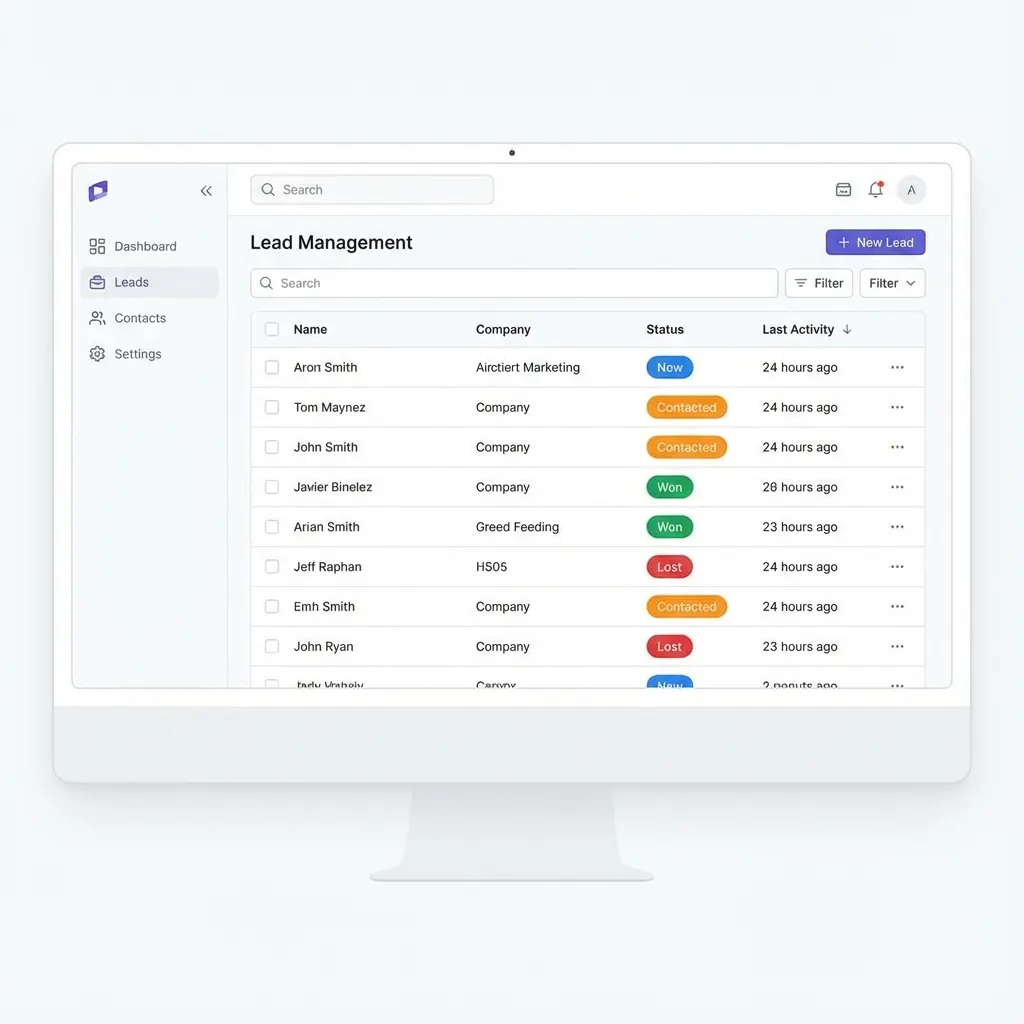
Open any lead and you see the conversation on every channel, the deal, the tasks and the timeline on one page.
Leads
Table or board view, saved views, smart filters, row colours, bulk upload from Excel or CSV and a full activity timeline per lead.
Deals
Multiple pipelines with your own stages, deal values and a drag-and-drop board. Import deals from CSV.
Contacts & companies
Keep people and the businesses they work for linked, so a new enquiry from a known company is recognised.
Tasks & reminders
Calls, follow-ups and emails assigned to a person with a due time. Reminders pop up while you work.
Answers at a glance
The five questions every sales manager asks.
- Smart views
- Row colours
- Excel / CSV import
- Leak Radar
- Who owns this lead?
- Every lead has an assignee; unassigned enquiries sit in their own queue.
- When did we last reply?
- First-response and waiting time are tracked per conversation.
- What happens next?
- Next follow-up date and open tasks are shown on the lead page.
- Where did it come from?
- Source is recorded: WhatsApp, Instagram, Facebook, email, forms, Meta Lead Ads, webhooks, manual.
- Why did we lose it?
- Moving a lead to Lost asks for a reason, so you can report on it later.
Leak Radar
See which enquiries are slipping — before they go cold.
Leak Radar lists customers waiting for a reply, leads with no follow-up and overdue tasks, one card per lead, with a one-tap fix: reply, send a template, create a task or reassign. Nothing is sent automatically.
- Off until an owner turns it on
- Salespeople see their own leaks
- Daily five-line brief by email